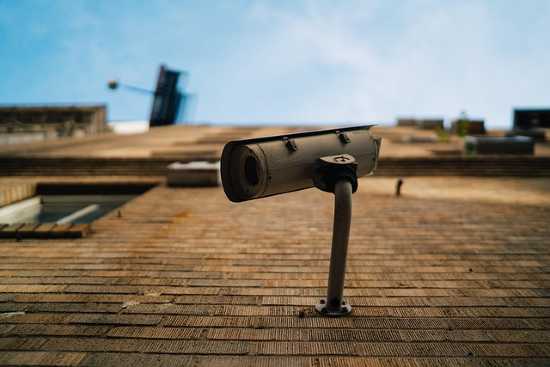
Making a Security Camera
Security cameras are a growing business as they have only gotten more affordable and efficient over the years. A quick search on Amazon shows an outdoor Ring smart camera for $99 USD and an indoor Kasa smart camera for $19.99 USD. While the initial price tag may look tempting, the cost of services related to it, both financial and practical, do raise some eyebrows. For example, monthly fees for data storage, or just simply users not wanting their data being stored through third-party services cover financial and practical concerns, respectively. Because of this, MotionEyeOS was created, an open-source operating system capable of turning a Raspberry Pi computer into a motion-triggered security camera.
The process for this system involves your Raspberry Pi, a camera (a normal webcam works but you can also find a Pi-specific camera with night vision for relatively cheap), a monitor, and another computer of your choosing you want to connect to the security system. Firstly, you flash the card with the MotionEyeOS and set up the configuration file for your camera. From there, you simply put the card in your Pi, and then connect the camera and monitor. The monitor is necessary for finding the Pi’s IP address, which you can then type into the browser of your computer of choosing, and then the camera is ready to start streaming to that device.